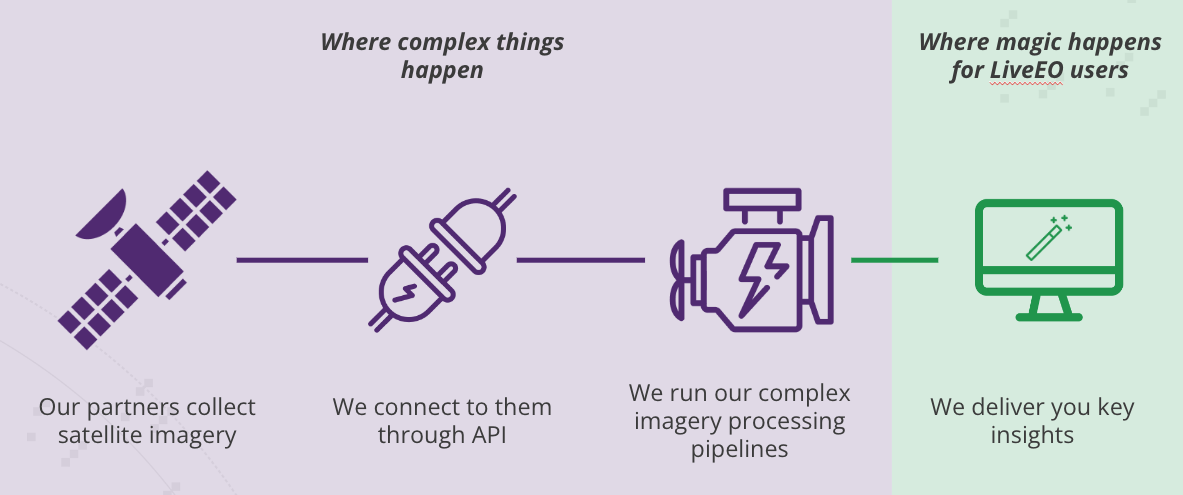
Handling terabits of satellite data every single week is complex, but we've made it easy for you to generate key insights about your assets! The question "How do we assign a criticality level to those Insights?"
You have probably noticed that we assign a criticality level to the Insight that SurfaceScout generates, right?
Insight criticality level We do that automatically, let's dive into it!
Distance-based risk model
This is our most straightforward risk model. We measure the distance from the edge of the insight to the pipeline centerline and set the risk level according to defined distance ranges. For example:
Distance-based risk model Change type risk model
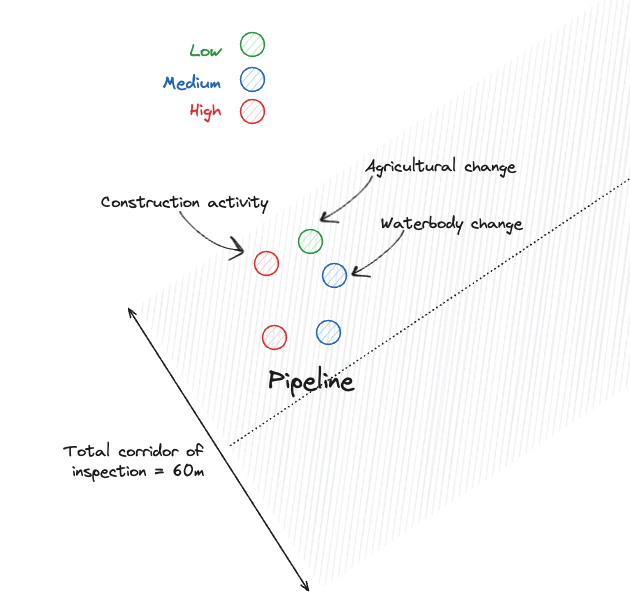
In this case, we scan a specified corridor—typically ±30 meters from the pipeline centerline—and assign a criticality level to each insight based on the type of change detected. For example, excavation work may represent a higher risk than plowing activity. Here’s how the classification might look:
High: Construction activity
Medium: Logging activity, waterbody changes
Low: Agricultural changes
Combination of distance and change type risks model
The rationale is that construction activity farther from the pipeline centerline may pose less risk than plowing activity occurring closer to it.
Distance and change-type risk model Change Type / Distance
0 to 5m
5 to 10m
10 to 15m
Reference layer intersection risk model
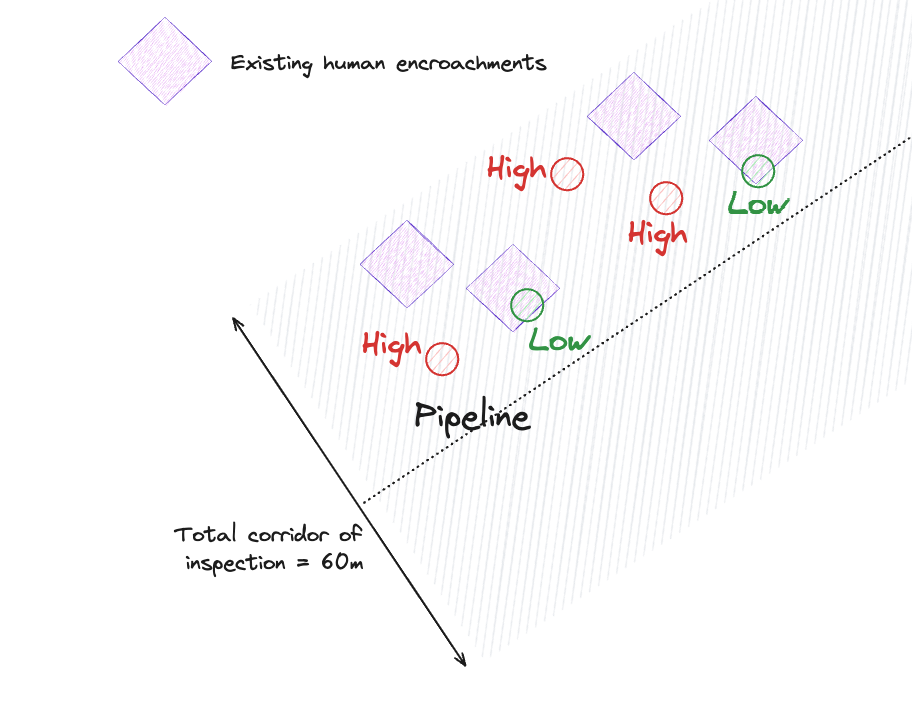
Pipeline operators may want to assign different levels of criticality to insights based on whether they intersect with an initial reference layer of existing human encroachments. The rationale is that an insight associated with pre-existing permanent infrastructure poses less risk to the pipeline than a new, unconnected observation.
For instance:
Intersection > 30% of the Insight area with an existing human encroachment : Low
Intersection < 30% of the insight area with an existing human encroachment : High
Reference layer intersection risk model