Release notes
V1.14.1
New features
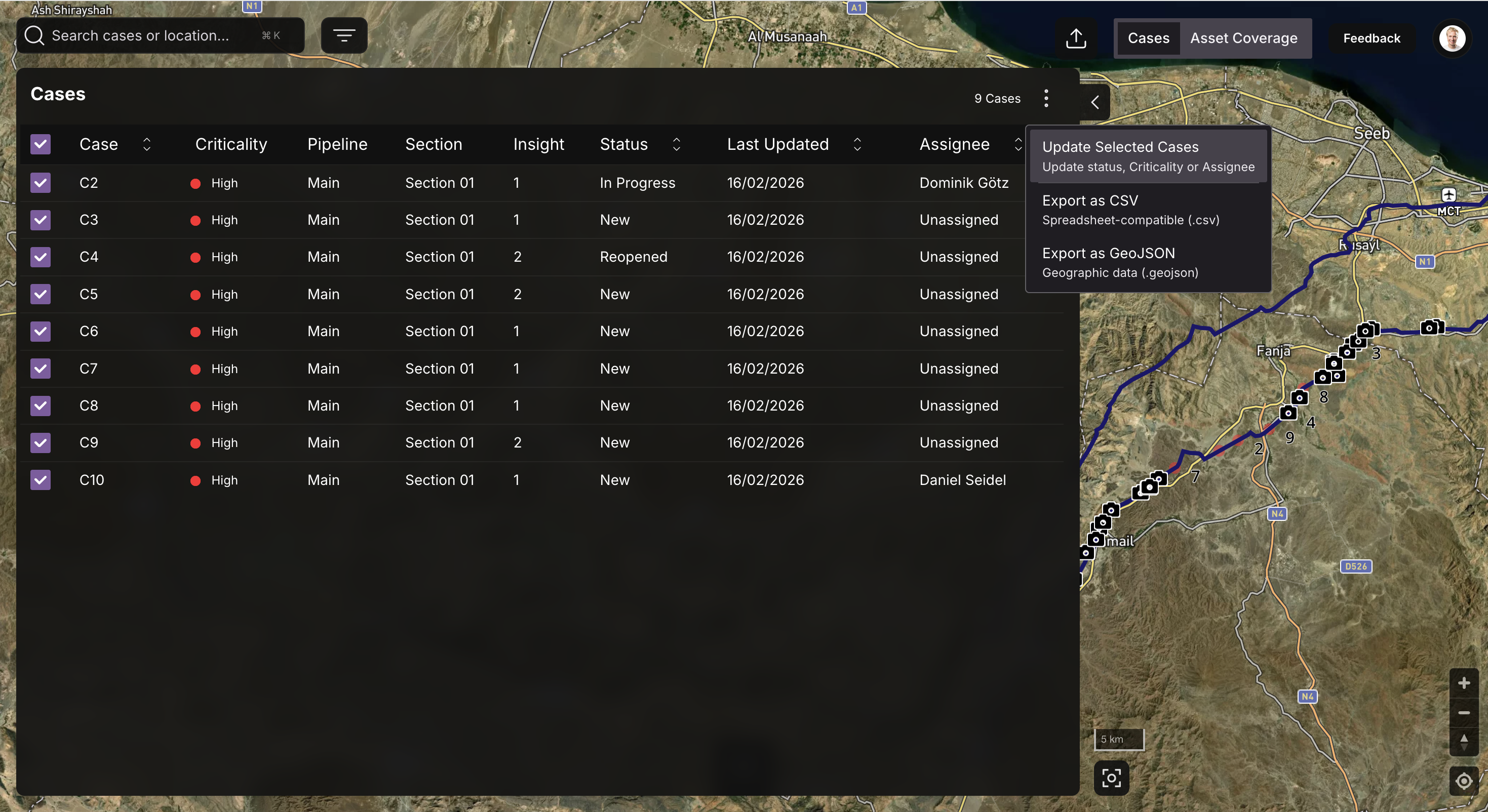
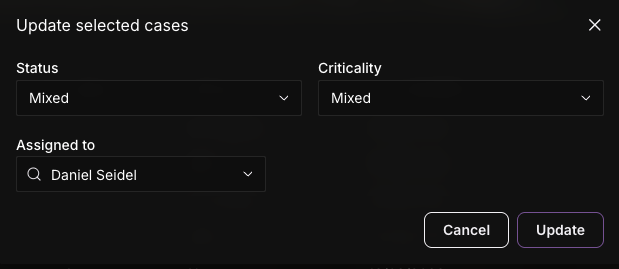
Bulk update :
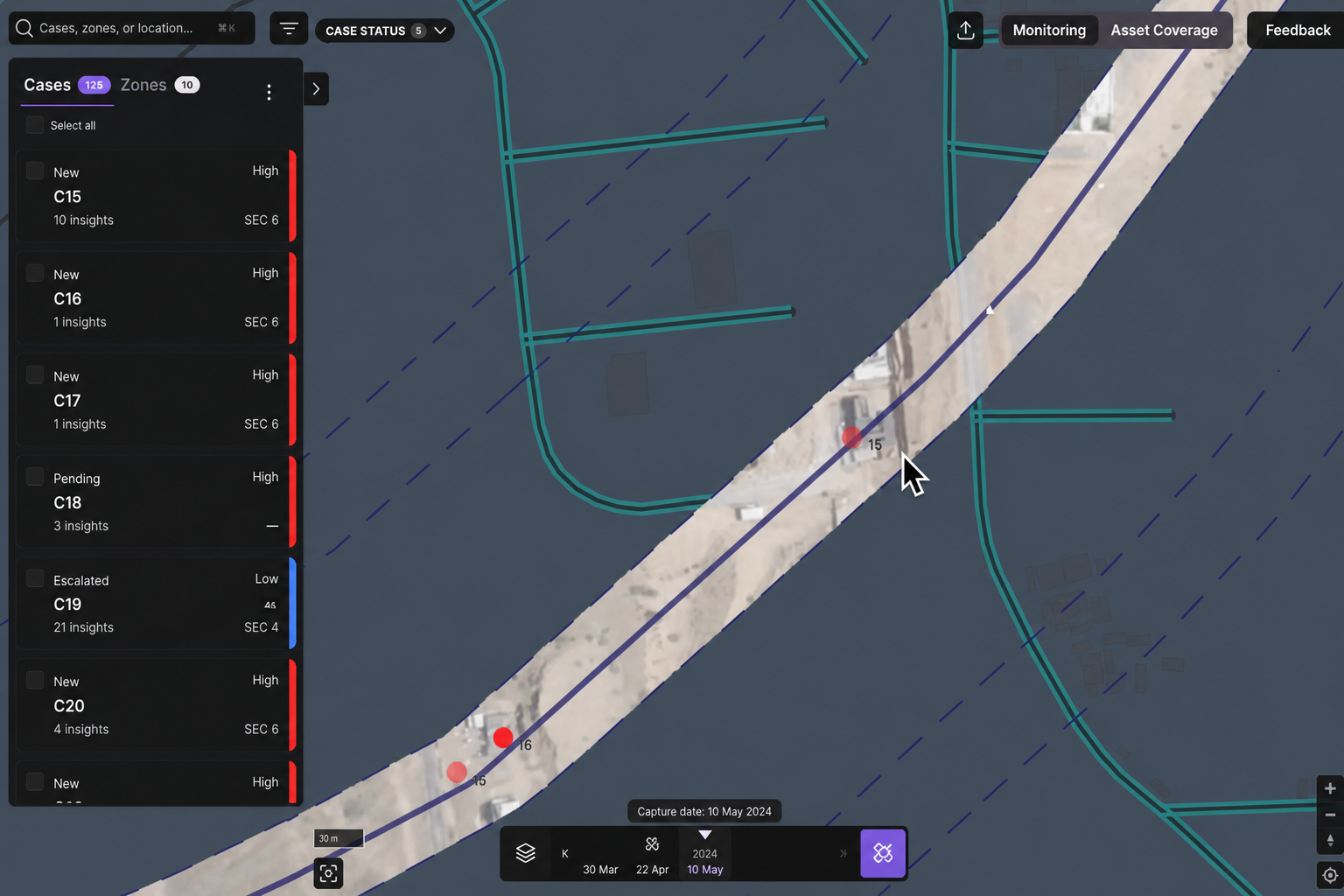
It is now possible to update Criticality / Assignee & Status in bulk for cases - Simply select the case you want to update and select the "Update Selected Cases" as a next step.

This enables you to save a fair amount of time when it comes to managing & mitigating cases in LiveEO

Sections & points display :
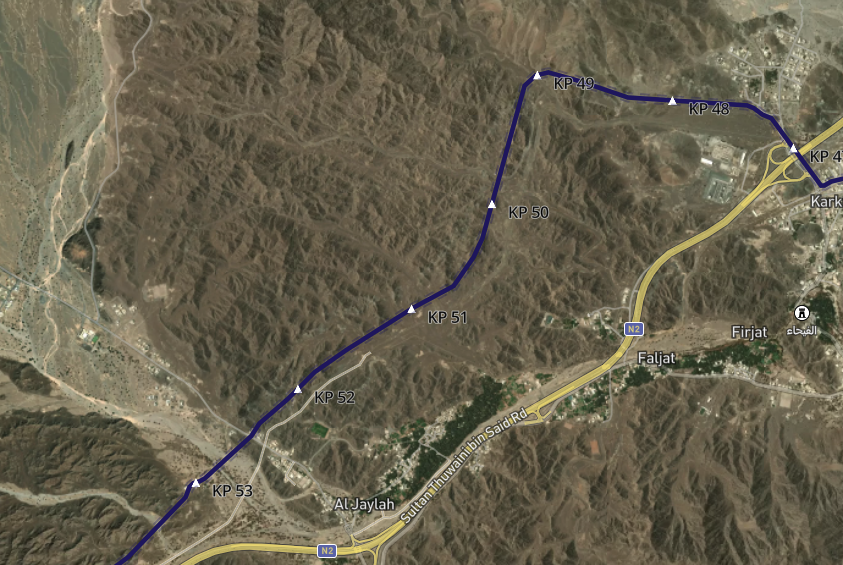
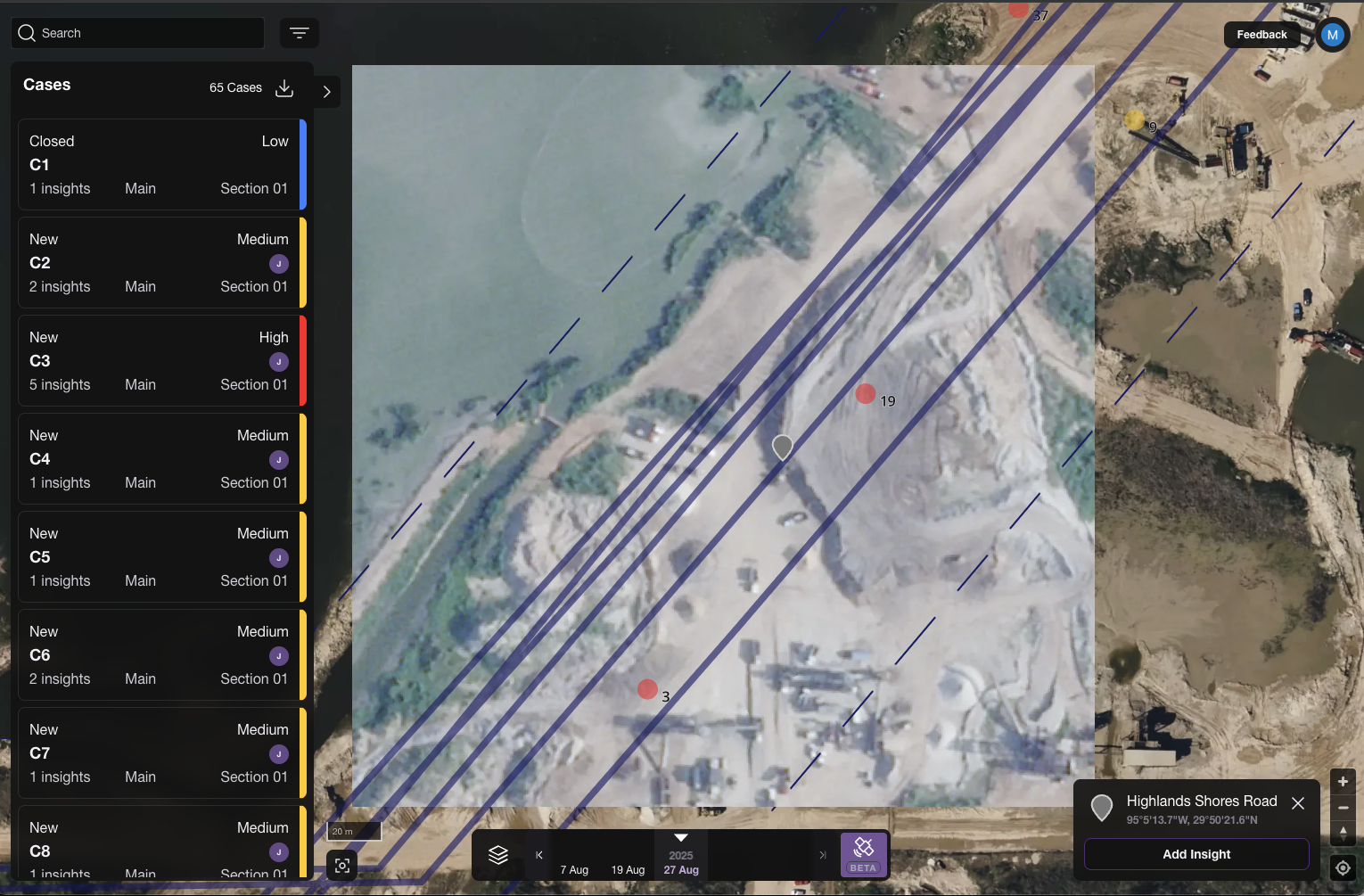
It is now possible to display the sections, kilometer points and other artefacts over your assets to properly locate things. Next step is about connecting them to insights, cases & assignees : Stay stuned

V1.14.0
New features
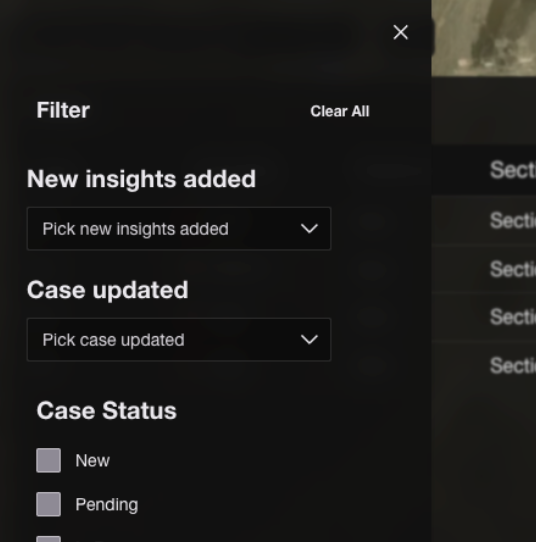
Case delivery and case updated filters exposed in the URL when clicking on the new or updated case notification email. This enables the user to focus on what matters in the app.
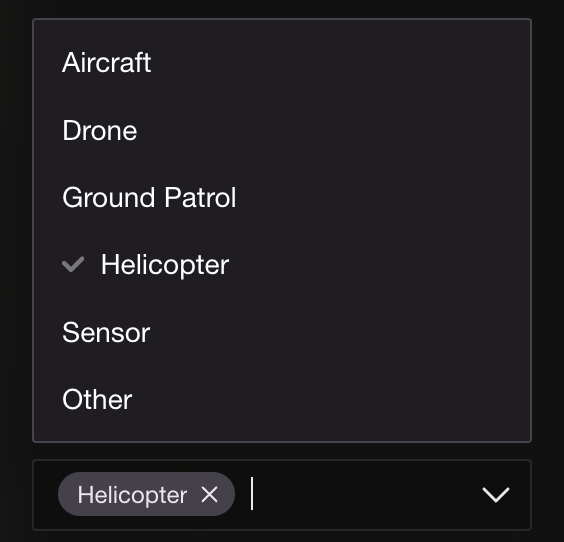
Support source type for case filter and add insight : drone, aircraft, satellite, etc.

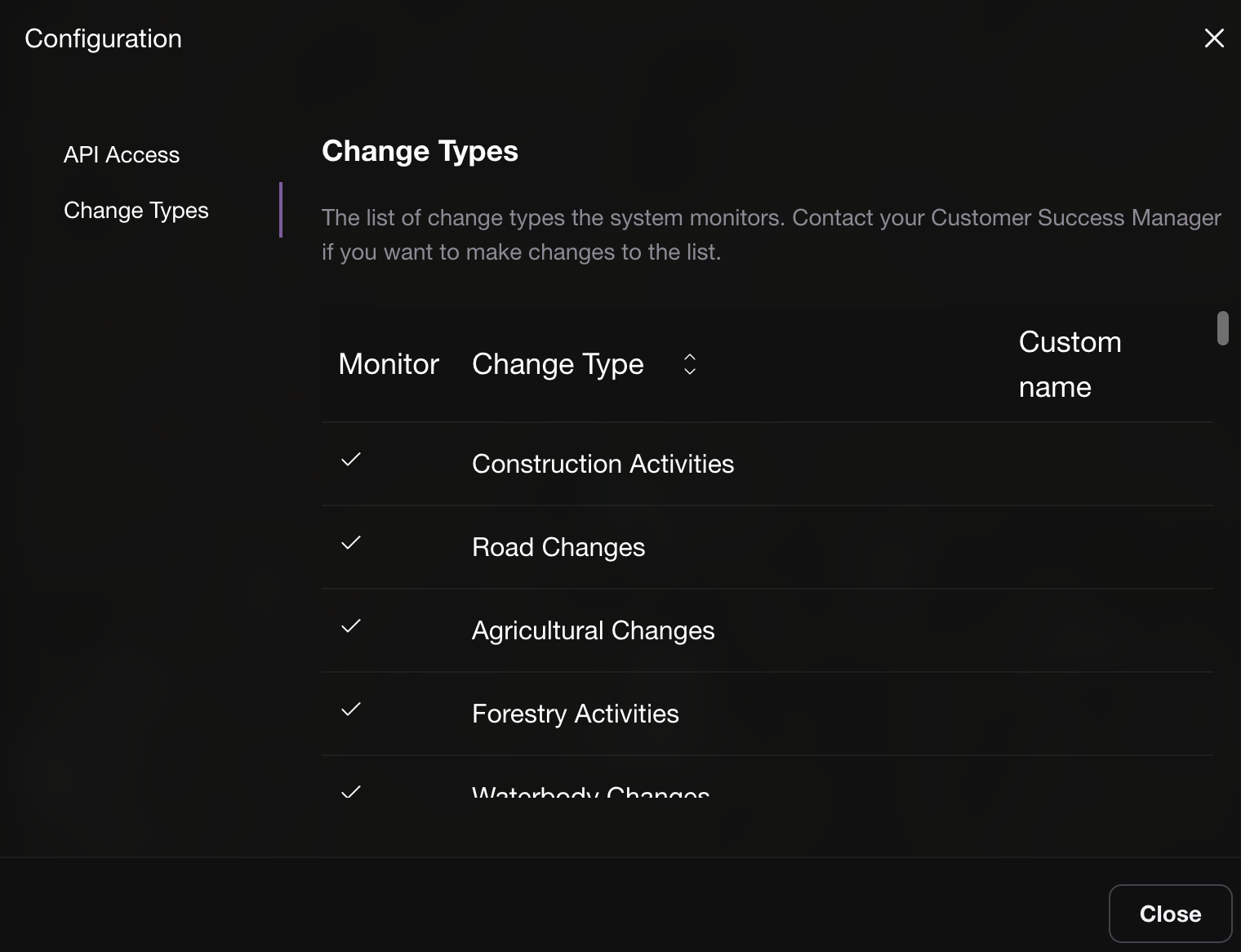
Transparency on the change type monitored in the side bar "Configuration" panel. This can be modified with your Customer Success Manager.

Possible to rename change types monitored to better map with customer existing processes.
Improvements
Photos added manually in an insights are not ordered from the latest to the oldest timestamp
HEIC photos can now be uploaded when the user is working from an Iphone
V1.13.0
Improvements
ChronoScout just got faster! A few weeks ago, we introduced browser-side image caching. Now, we’ve taken performance even further by upgrading the underlying infrastructure. What this means for you: loading times are 4 to 8× faster, depending on your location. Tiles linked to a case that previously took 4–6 seconds to load now appear in under 1 second.
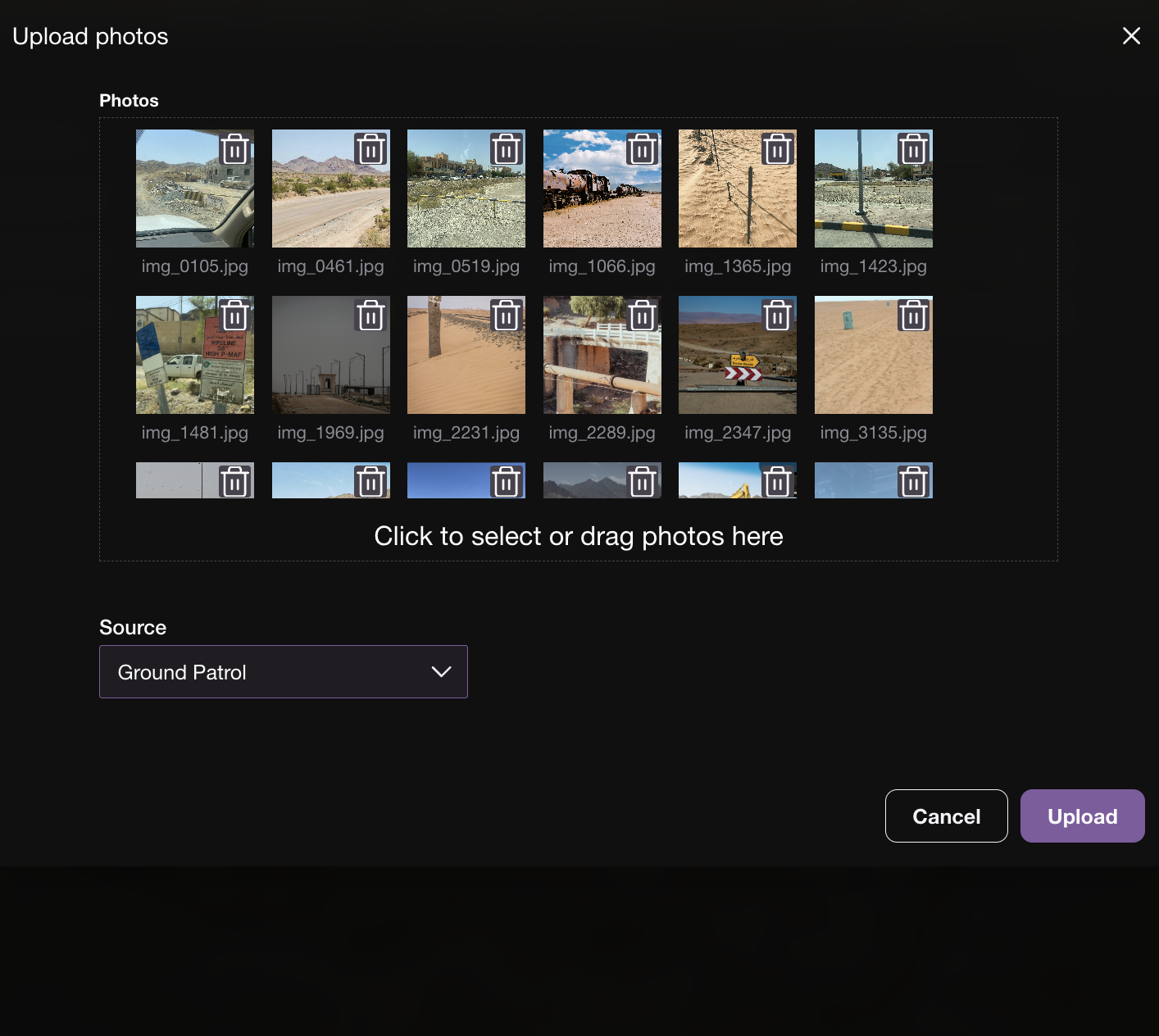
Improved Aerial & Drone Imagery bulk uploads You can now upload more than 100 photos at once from any source, generate insights seamlessly, delete multiple photos directly from the map, and upload images in HEIC format (iOS).

V1.12.0
Improvements
"You are here" point now have direction orientation on the SurfaceScout mobile app.

Change Monitored unit from km to km² in the Asset Coverage tab.

It is now possible to use SurfaceScout without satellite analytics for foot patrols only for example. Filters and user interface were slightly adapted in order to enable this evolution.

V1.11.0
Features
SurfaceScout is now more central than ever with the brand-new Aerial & Drone Imagery Ingestion feature!


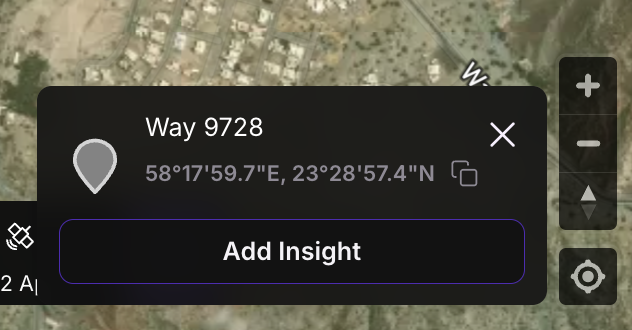
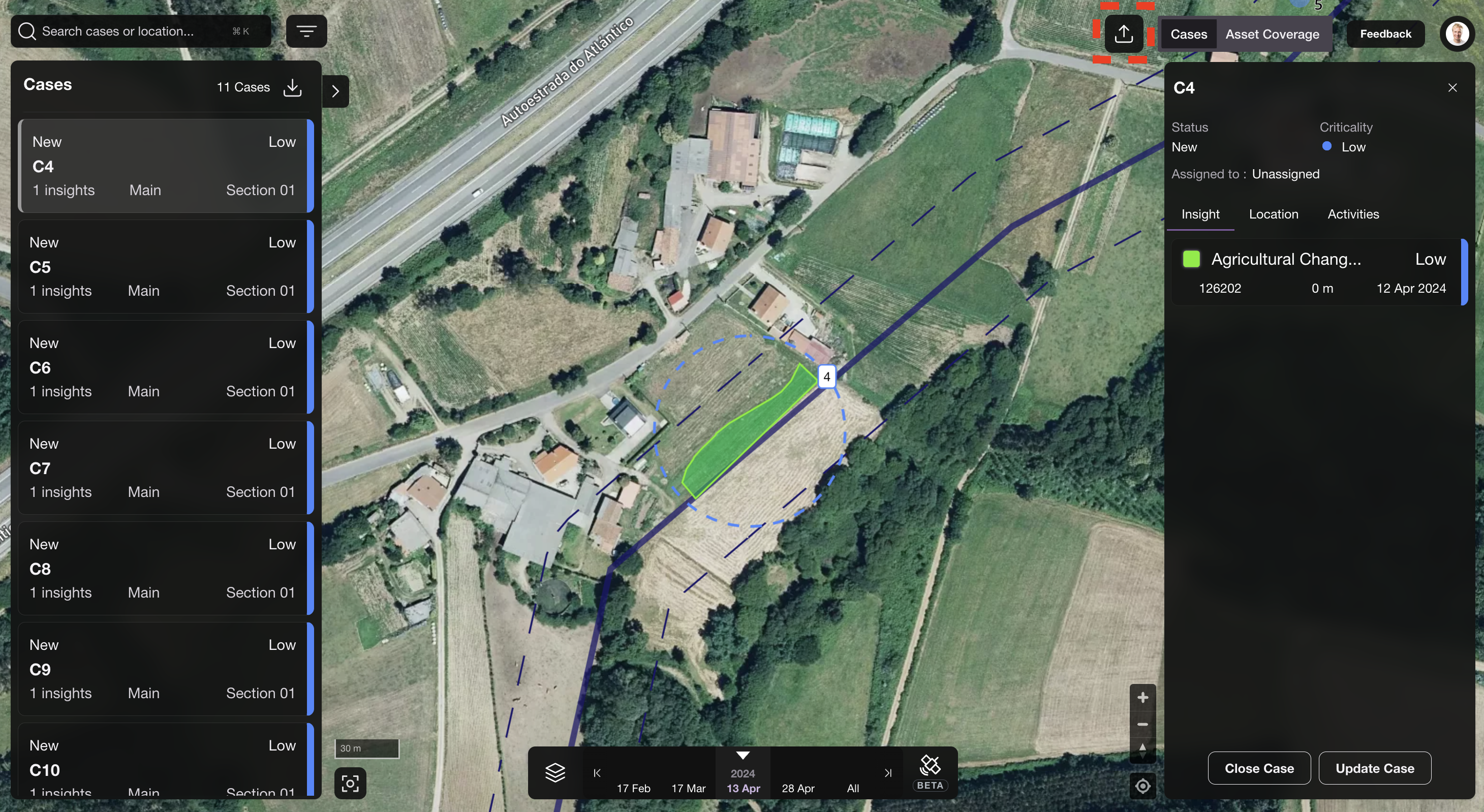
You can now upload and analyze aerial imagery directly within the platform, unlocking broader, faster, and more consistent monitoring coverage. Don’t forget, it’s still possible to add manual insights from your foot patrols. Let's get things started, simply click the “Add Insight” button at the top-right corner of your page to record your observations.

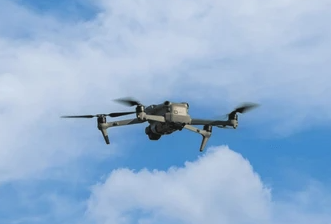
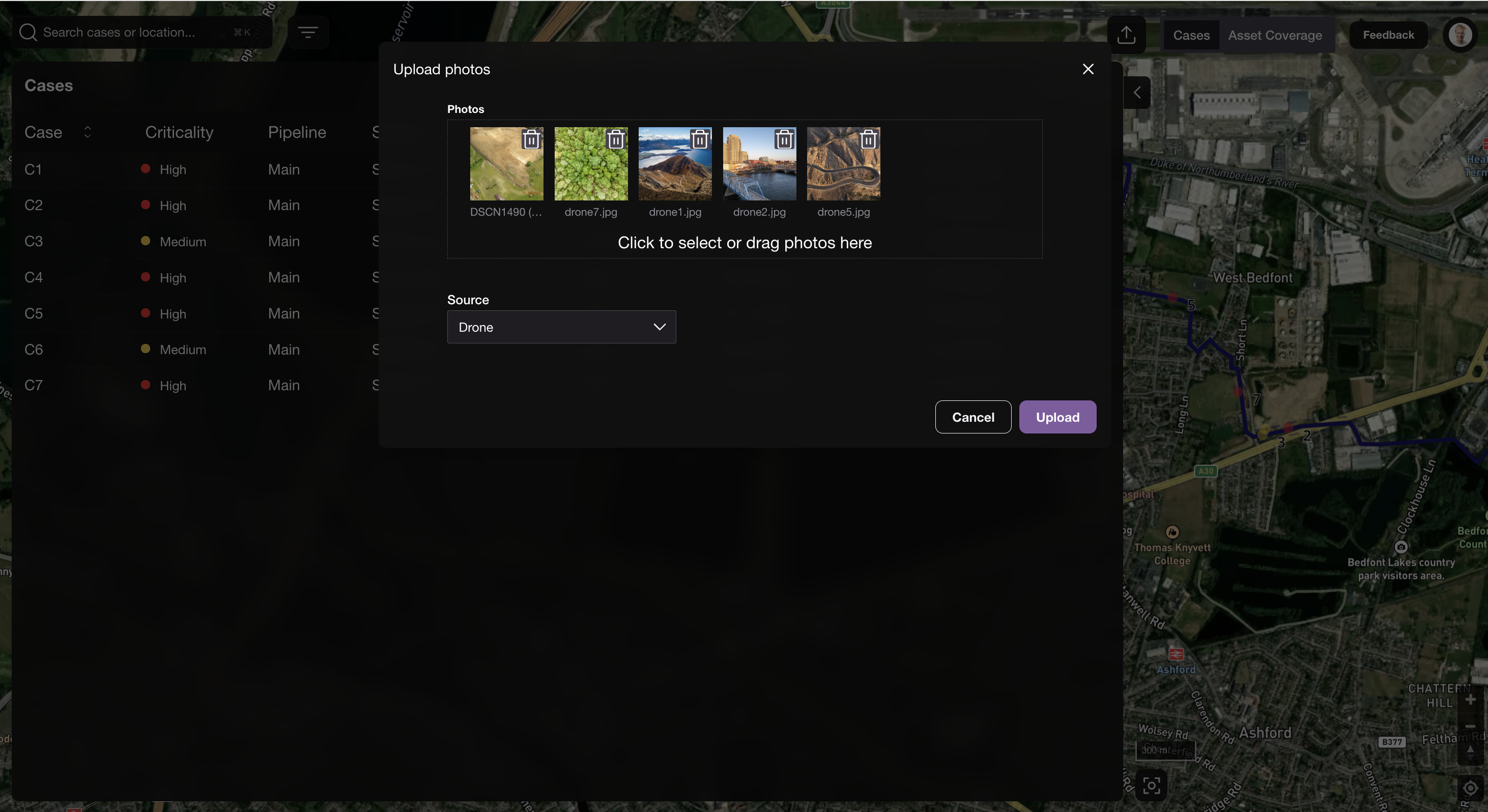
You can now upload in bulk photos coming from aerial or drone inspections.

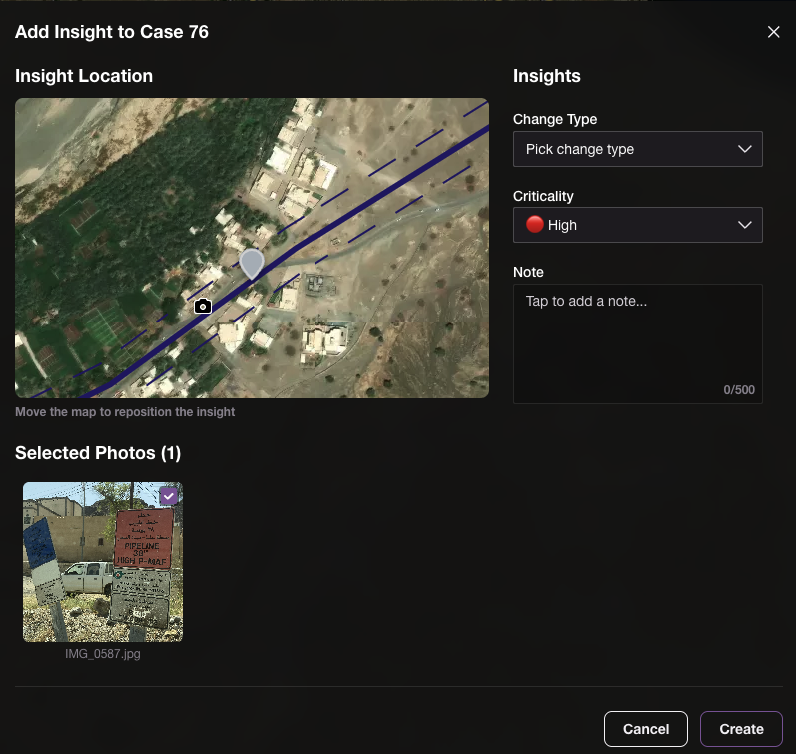
Once the photos are uploaded to the map near the pipeline, you can re-position them to their exact location, for example, in cases where they were captured side-looking from a helicopter. From there, you can create insights and link them to a new or existing case :
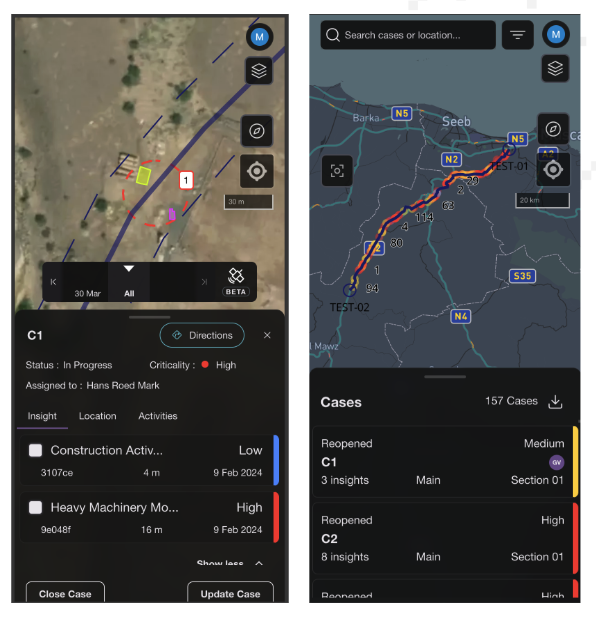
This provide a much wider context to damage prevention managers when it comes to understanding what's happening around the pipeline.
ChronoScout made faster! We now load satellite photos directly from your browser cache when you’ve already streamed them, enabling significantly faster loading times and a much smoother user experience

Bug fixes
Removed the double scrollbars in API settings
Long change-detection types now show correctly with a tooltip
Dropdown menu colors on Windows now display properly
Combobox arrow clicks in Settings now open the dropdown as expected
Made location search return more relevant results
V1.10.0
Features
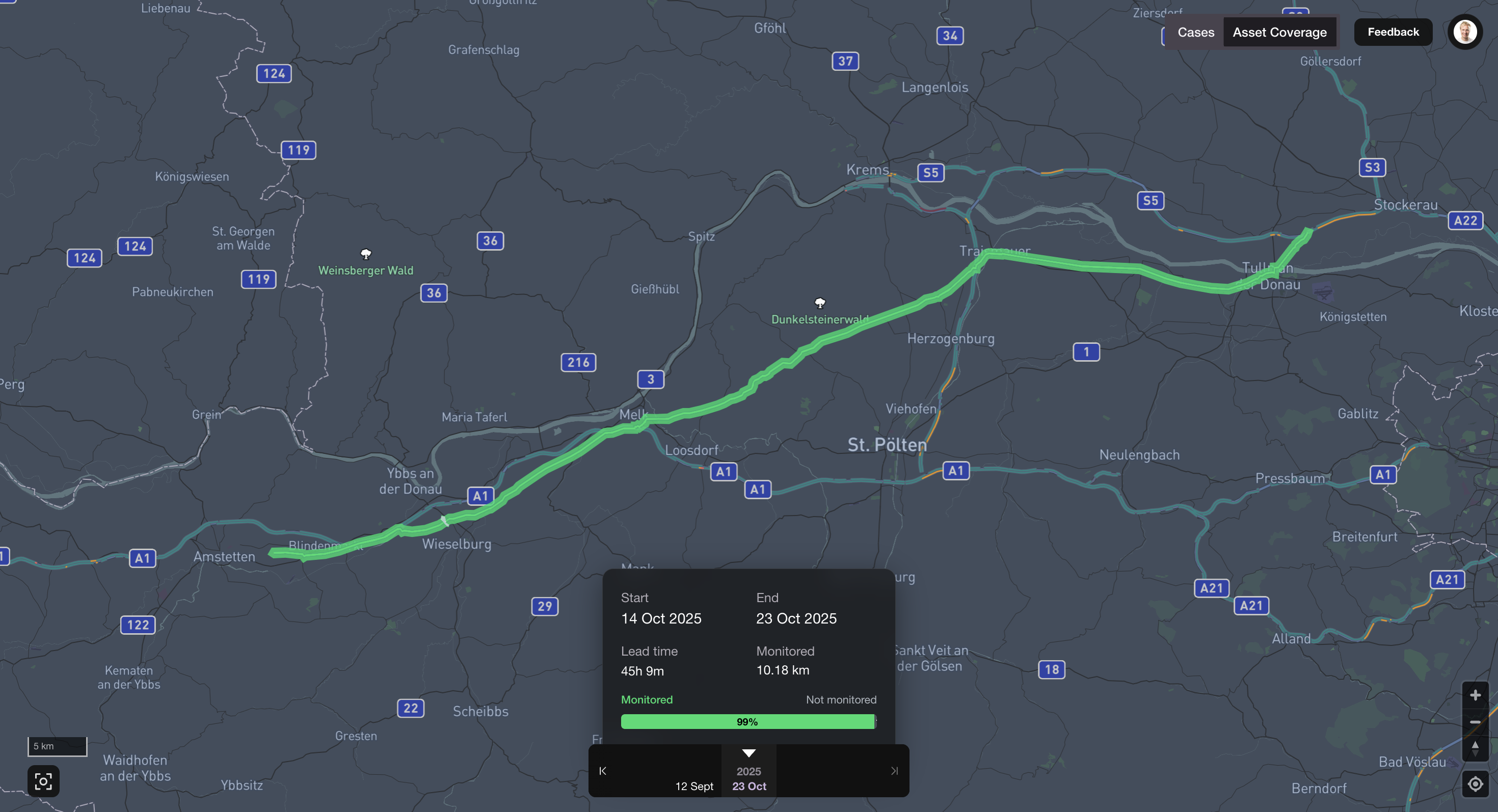
Asset Coverage is Now Live! You can now visualize exactly how much of your asset was covered in each satellite delivery — bringing transparency and traceability to a whole new level.
Simply head to the top right corner of the SurfaceScout app to activate it, then navigate effortlessly between deliveries. Empower your compliance and regulatory teams with full visibility, and anticipate field operations with confidence by identifying what needs to be mitigated ahead of time.

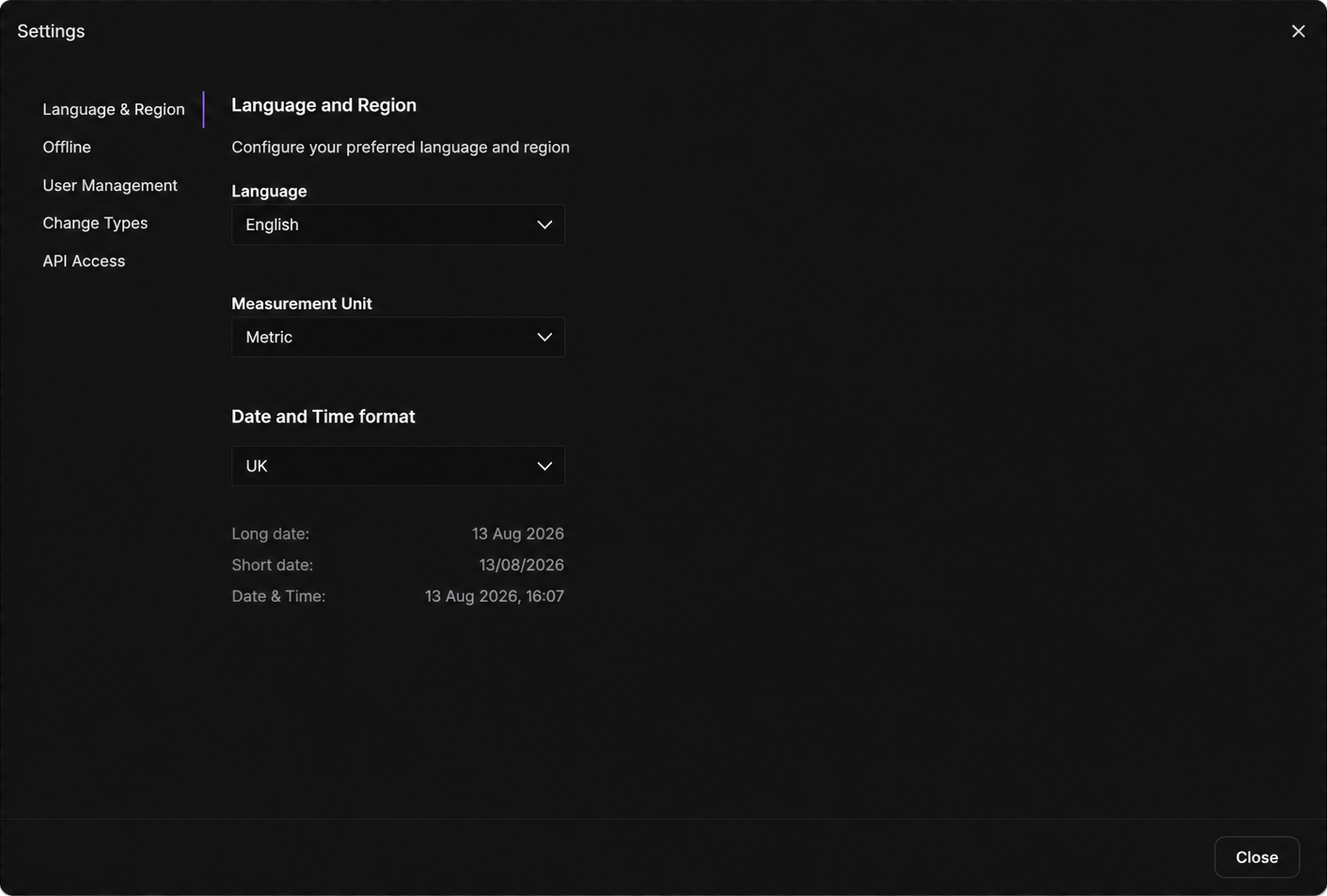
Indonesian language availabe in the app 🇮🇩 : Ask your language, we will make it possible in matter of days to ease the deployment with your team
Bug fixes
Dialogs now resize properly on Windows
Share button more visible on iOS
Case list scroll area no longer truncates
Timeline syncing issues resolved
Insight detail dates updated
Activity timestamps are back
V1.9.0
Improvements
Refined hover effect on insights (on map and in the insight list) for all change types
ChronoScout images now displayed above Mapbox road layers
Mobile UI updates
Added Direction button in the case detail view
Functionality of the directions button on the location tab refined
Zoom controls and the overall view button removed and size of the controls optimized

V1.8.0
Improvements
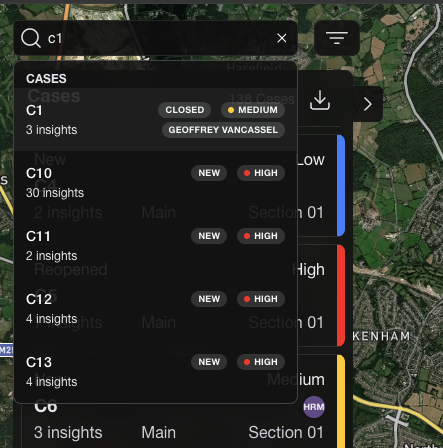
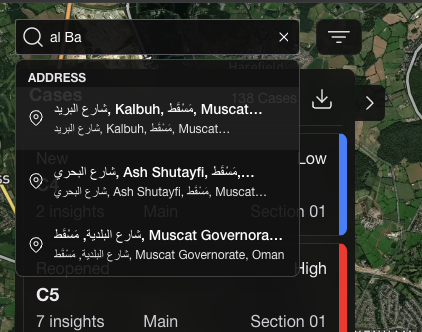
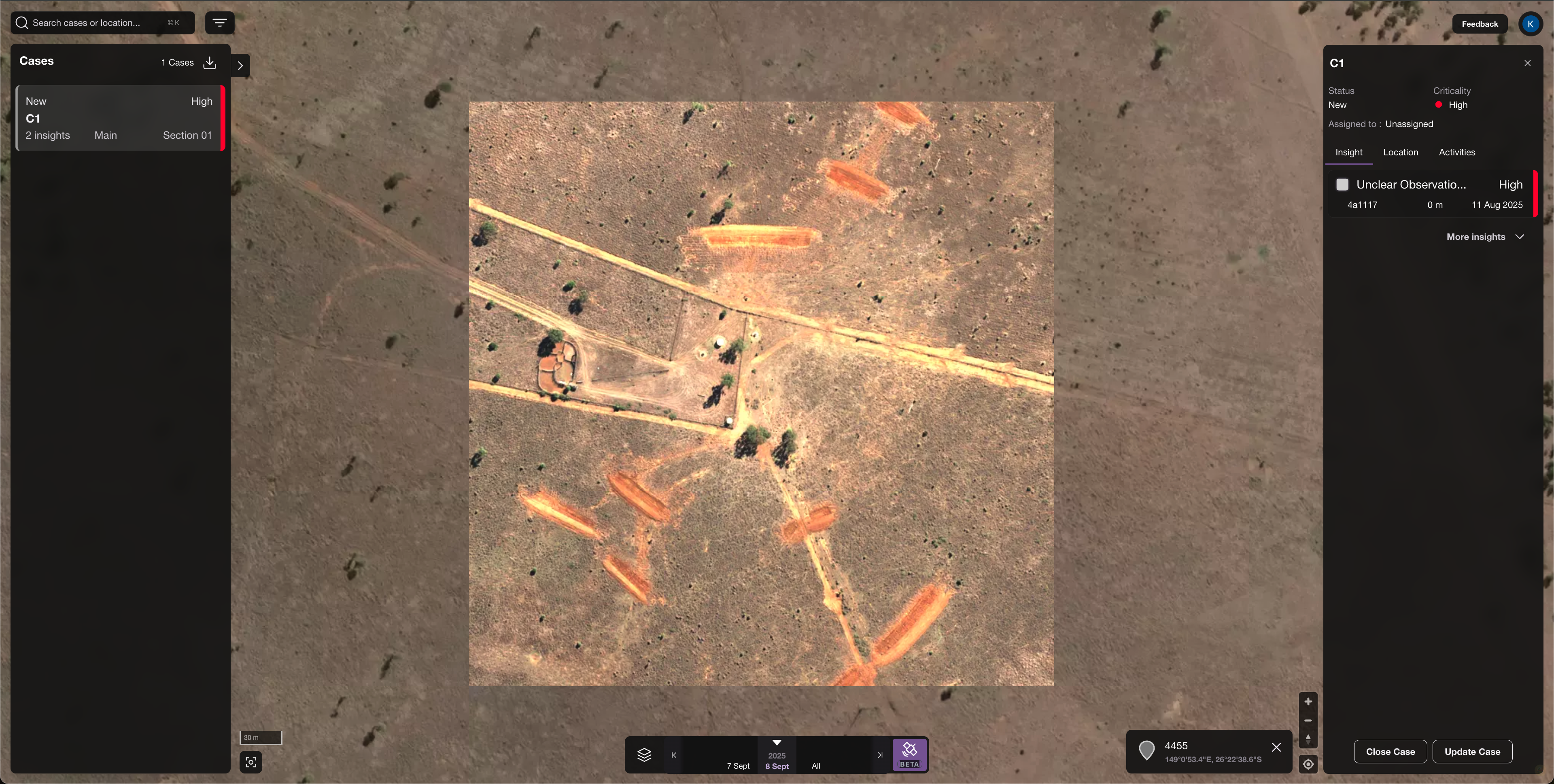
Geospatial search (beta): You can now search by cases, coordinates, or addresses.
Search using coordinates

Search by address

Search by case id

ChronoScout is able to display high-quality, high-resoluton (0.3m) Pléiades Neo data from Airbus

V1.7.0
Improvements
ChronoScout support for manual insight creation (simply select a point on the map)

Scale bar added
Campaign that was last visited is displayed after new login
Bug fixes
After shift button was used pipeline geometry did not reapper
History logs text overlap
Download button cut off
Translation for tooltip showing assignee missing
Delivery dates tooltip incorrect
Case list truncated on mobile
V1.6.0
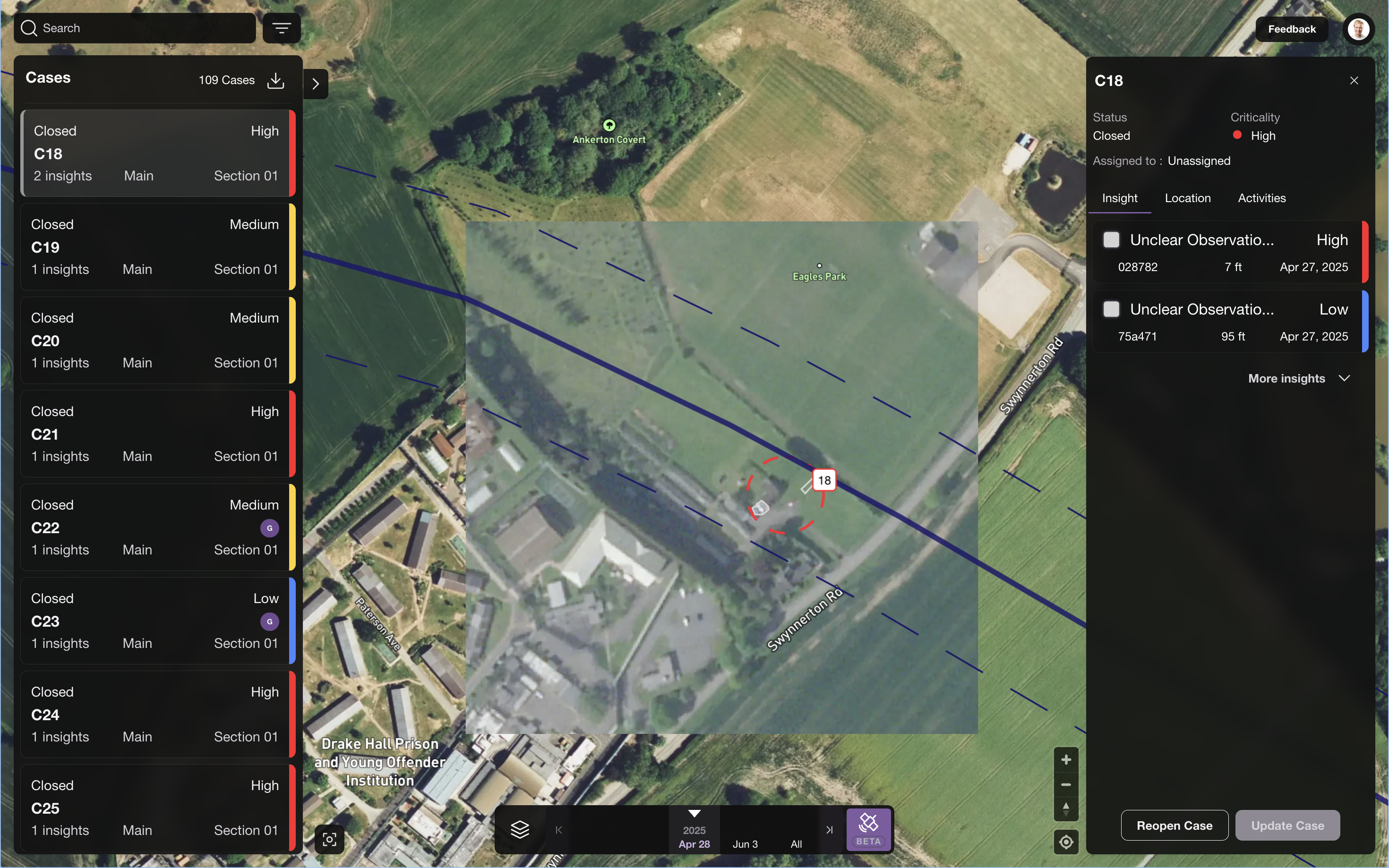
Feature 🎉 - Real satellite imagery available in SurfaceScout for all our users - Chronoscout is out
For the past two years, SurfaceScout has helped pipeline operators uncover hidden threats. With the debut of ChronoScout, we’re elevating traceability, compliance, and actionable insights to an entirely new level.

Higher traceability & compliance
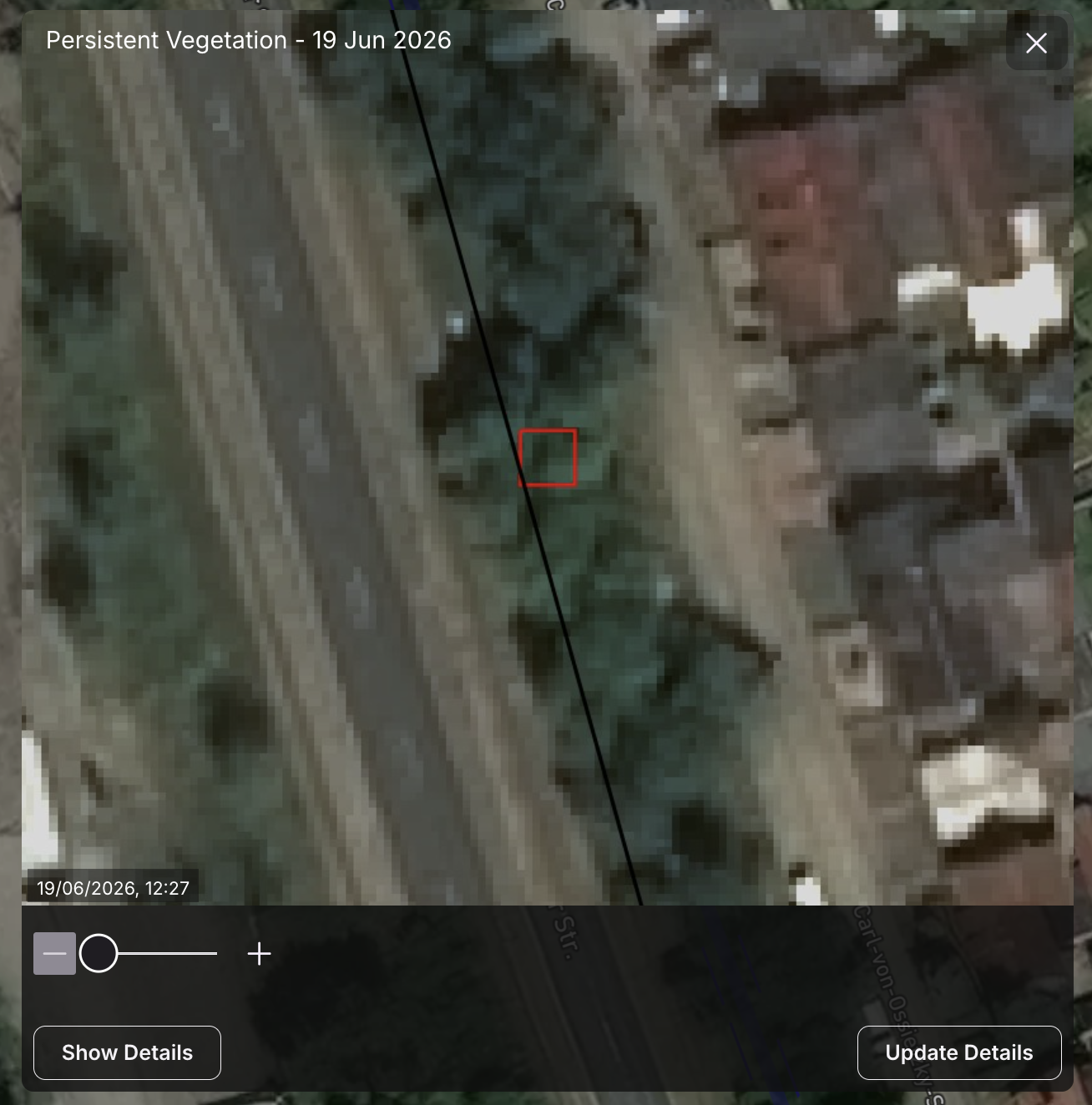
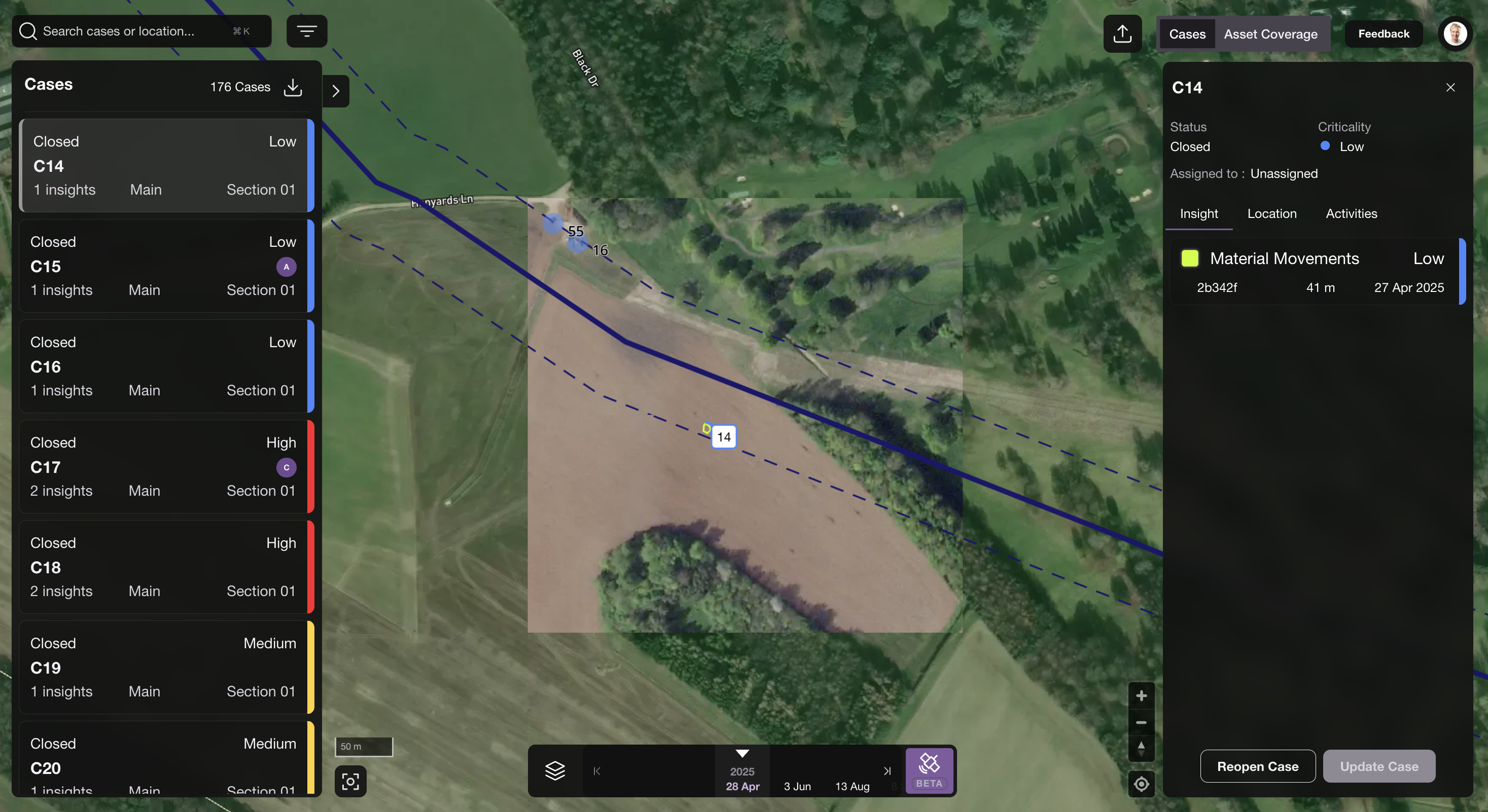
You can now view the raw data behind the insights produced by the SurfaceScout change detection machine learning model. These satellite images not only verify that an area was monitored at the correct cadence, but can also reveal additional insights beyond the original satellite monitoring scope
Manual insights finally to an exchaustive geospatial context
With ChronoScout, damage prevention managers can now create manual insights from the latest satellite imagery—connected not just to GPS coordinates, but to the actual satellite data itself.
Larger context to faciliate Case review and mitigation
ChronoScout streamlines the review and case mitigation process by providing a much richer context. Previously, pipeline integrity managers had to make decisions from the office based on just two satellite image screenshots. Now, ChronoScout delivers five times more imagery around each case, giving managers the context they need for more informed decision-making
Pro tip: hide the assets and insights pressing the shift key on your keyboard for maximim visibility!
ChronoScout V1.0 - Known limitatations - Stay tuned!
We wanted to get ChronoScout into your hands quickly so we could gather feedback and improve fast. As this is our first release, here are a few things to keep in mind:
Images may not be available for every delivery: we have them in our imagery database, but our querying mechanisms are still being refined. This will improve over time.
Image date might not perfectly match the insights date: when collecting satellite imagery, some scenes overlap. Occasionally, the wrong scene may be displayed. We’re working on tightening this matching process.
Images are shown only around existing cases: for now, you’ll only see imagery tied to known cases. Broader coverage is coming soon—stay tuned!
Your feedback will help us squash these limitations and get to a more polished version quickly.
V1.5.1
Features
Users assigned to a Case are now automatically notified by email

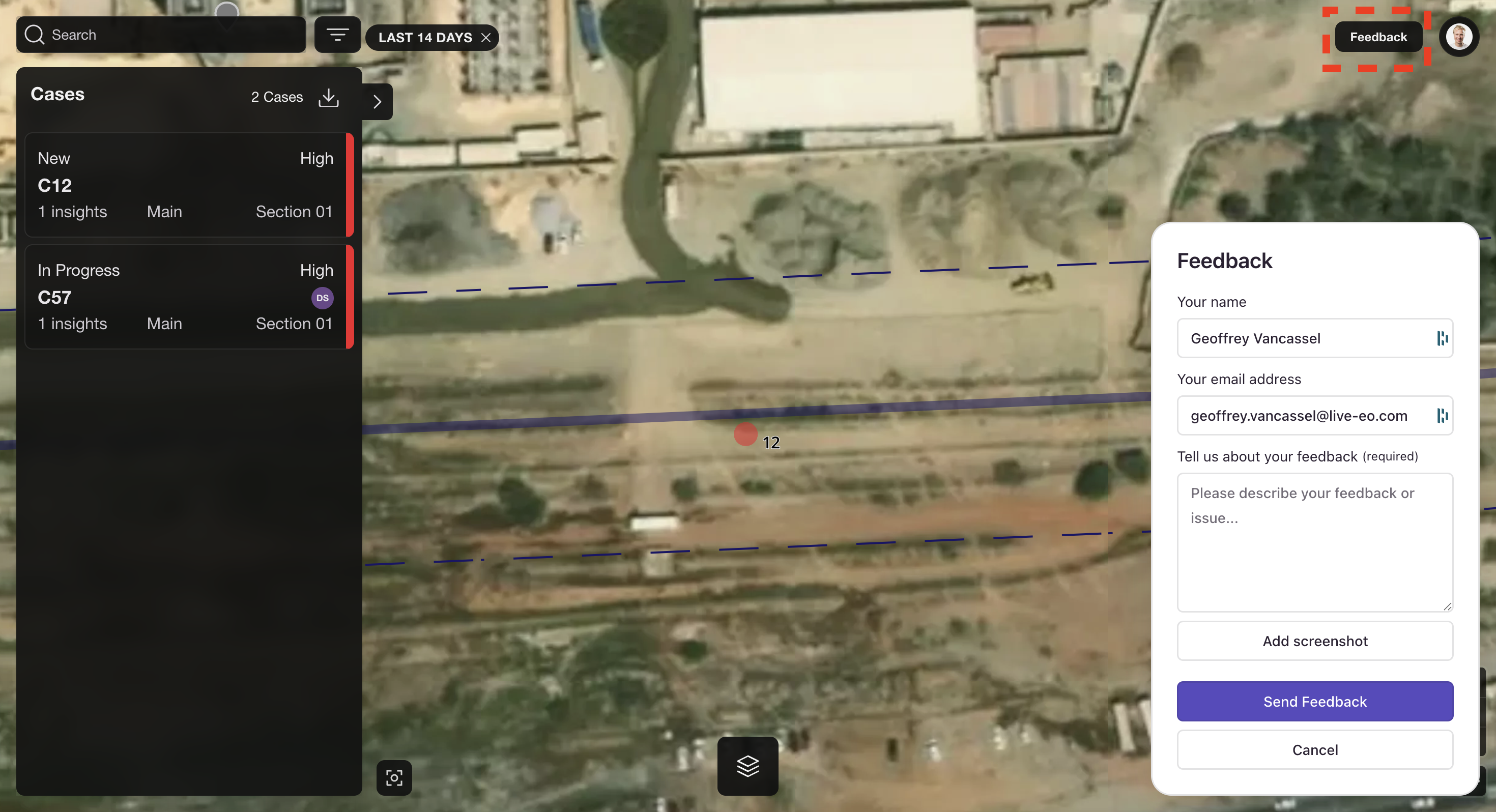
"Share your Feedback" Button added on the main page, feel free to share anything to us

Bug fixes
Dates do no appear anymore for the "in progress" deliveries. Dates appears only when deliveries are complete.
When on a case on Mobile, the user could not navigate on the map properly when on a given case, now fixed.
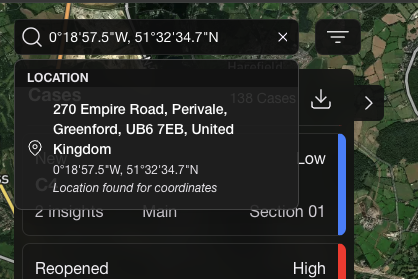
When Adjusting the screen size the app is now way more responsive and no button or functionalities are actually hidden.
V1.5.0
Improvements
Implement virtualization for Case Lists making the navigation faster
Improve Case Loading user experience
Add key translation for "Measurement Unit"
End to End test automation improvements to make the app more stable
Bug fixes
Cannot set criticality for new case created
Insight id case and Insight identifier are no longer rendered and refine the labels and titles
When selecting a case the first time, the list of insights is not filtered to the latest delivery
Duplicate titles issue
Changing the criticality of an insight does not work properly
If user changes the zoom level after selecting a case, the zoom level should be persisted
The case number is placed inside case border and thereby occasionally hiding an insight
Warning thrown when editing a case
V1.2.5
New features
Time Formatting: Insight image timestamps now show in hh:mm format
Delivery and Batch Filter Tooltip: Added batch filter and an info tooltip to help guide filtering - Stay tuned more to come on this impacting topic !
Language Translation: Initial translation layer added to support multi-language in the platform - starting with English 🇬🇧 German 🇩🇪 and Spanish 🇪🇸
Improvements
Mobile version installation on Android: Cleaner flow removing unecessary notions
Insight Flow: When adding a manual and for newly created cases now open immediately after adding that insight
Insight Flow: App auto-switches to latest delivery (or “All”) after closing the Add Insight dialog
Bug fixes
Case Sorting on Android: Sorting in the case list now behaves as expected.
Login Flow: Users stuck on a wrong-account login can now escape the error state
Android PWA Optimization: Improved install flow for PWA mode on Android
Browser UI Issue: Fixed shuffled map controls in browser mode restoring access to the profile menu
V1.2.4
New features
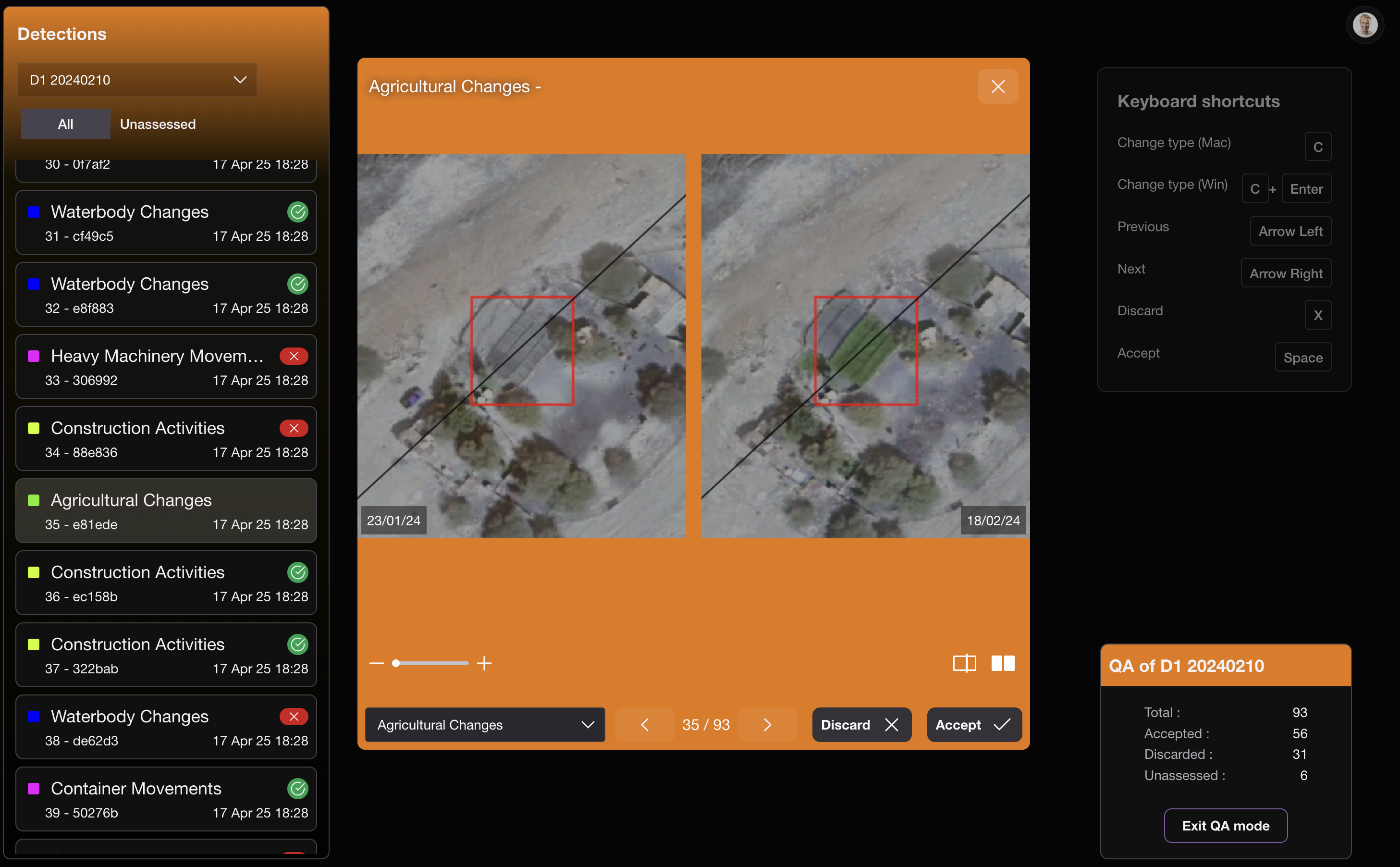
Quality Assessment Module: You won't see that new feature but you already like it!
You’ll now get access to Insights faster and with higher reliability than before: Our blazing fast Quality Assessment (QA) module is out!

We are proud to say that in combination with our locally trained change detection machine learning models we also have some business domain experts reviewing the AI generated insights to make sure we only deliver what matters to you as Damage Prevention Manager.
Now they do it even faster. Based on extremely fast image loading and keyboard shortcuts, our business domain experts can spend as little as 4.2 seconds to accept or discard insights and make sure SurfaceScout only delivers what matters to users. This is a big step to reduce the time to value for our customers.
Pleaides Neo HD15 can now be used to deliver our users with very high satellite resolution and ease the insight review process
The SurfaceScout team is proud to announce a major enhancement to our service: we now offer deliveries using the Pléiades Neo HD15 sensor—part of Airbus’s cutting-edge constellation. This sensor provides ultra-high spatial resolution imagery at 15 cm, bringing unprecedented clarity and detail to our customers.
With this upgrade, users will benefit from:
Easier and more efficient insight review, thanks to sharper visuals.
Expanded use cases, enabling new applications where high precision is critical.
To learn more about the capabilities of Pléiades Neo HD15, click here.
Pleaides Neo HD15 might not be adapted to every scale of infrastructure, reach out to us for more details and to asses

V1.2.3
Bug fixes
Remove Feedback Section from Manually Created Insights
V1.2.2
Improvements
Persistent Display Mode: Now, when switching between insights, the selected display mode remains consistent.
Basemap Selector: Improved UI for selecting basemaps via a popover, making it more user-friendly.
Bug fixes
Manual Insight Date: Now defaults to today’s date when created.
Search Bar Issue: Fixed the search bar not working in mobile view in the new repo app.
Insight Detail View: Improved spacing and layout for better readability on mobile.
Criticality Level Dropdown: Fixed incorrect graphics in the dropdown for manual insight
Missing Images: Addressed some missing images for insights in the mobile app.
V1.2.1
Improvements
Replace "Existing cases within 50m" with "Nearby cases"
Bug fixes
Image orientation now fixed - Before that it could happen that the image was rotated by 90 degrees
Reorder menu items in the Insight Delivery filter menu to show from Newest to Oldest
Disable "Closed" and "Reopened" status options for manual insight creation, requiring an assignee for "In Progress"
Resolve negative interaction between zoom/drag and manual insight creation on mobile
Adjust the Add Insight bottom sheet height to prevent it from covering the pin on the map
V1.2.0
Manual insight creation
New features
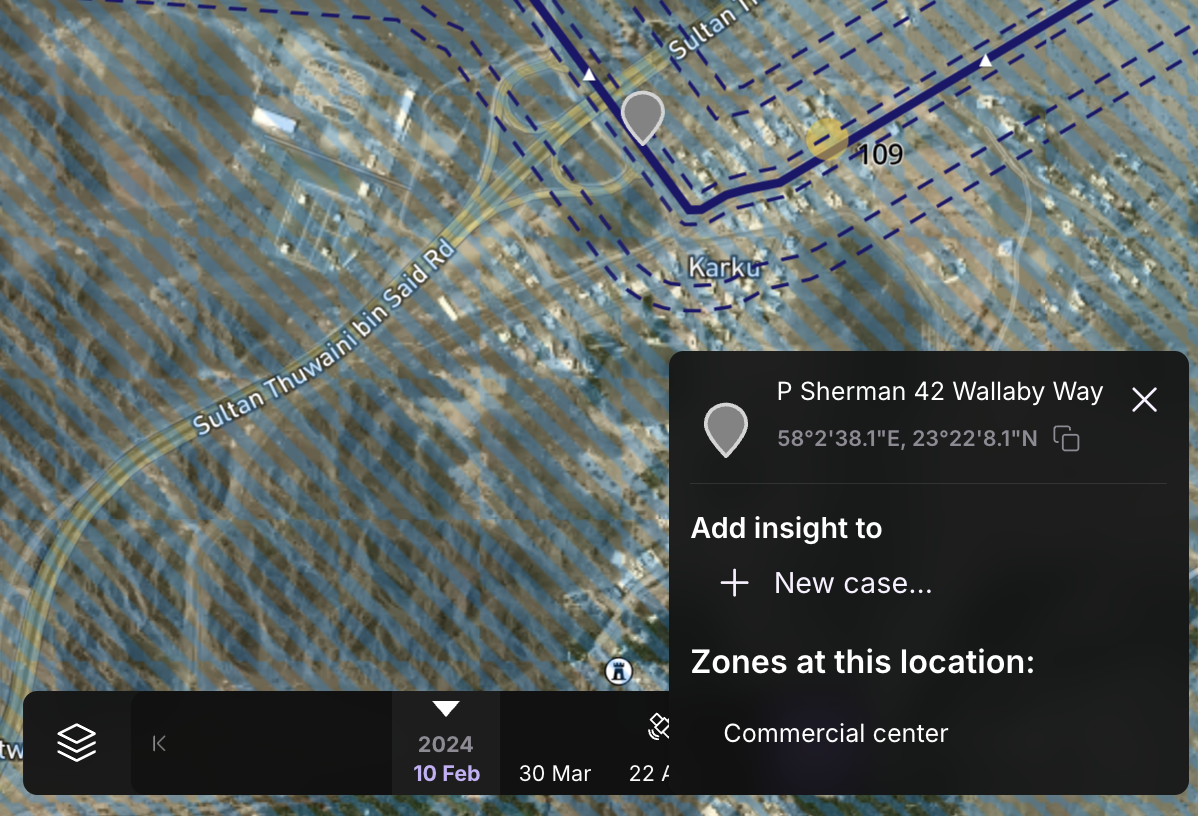
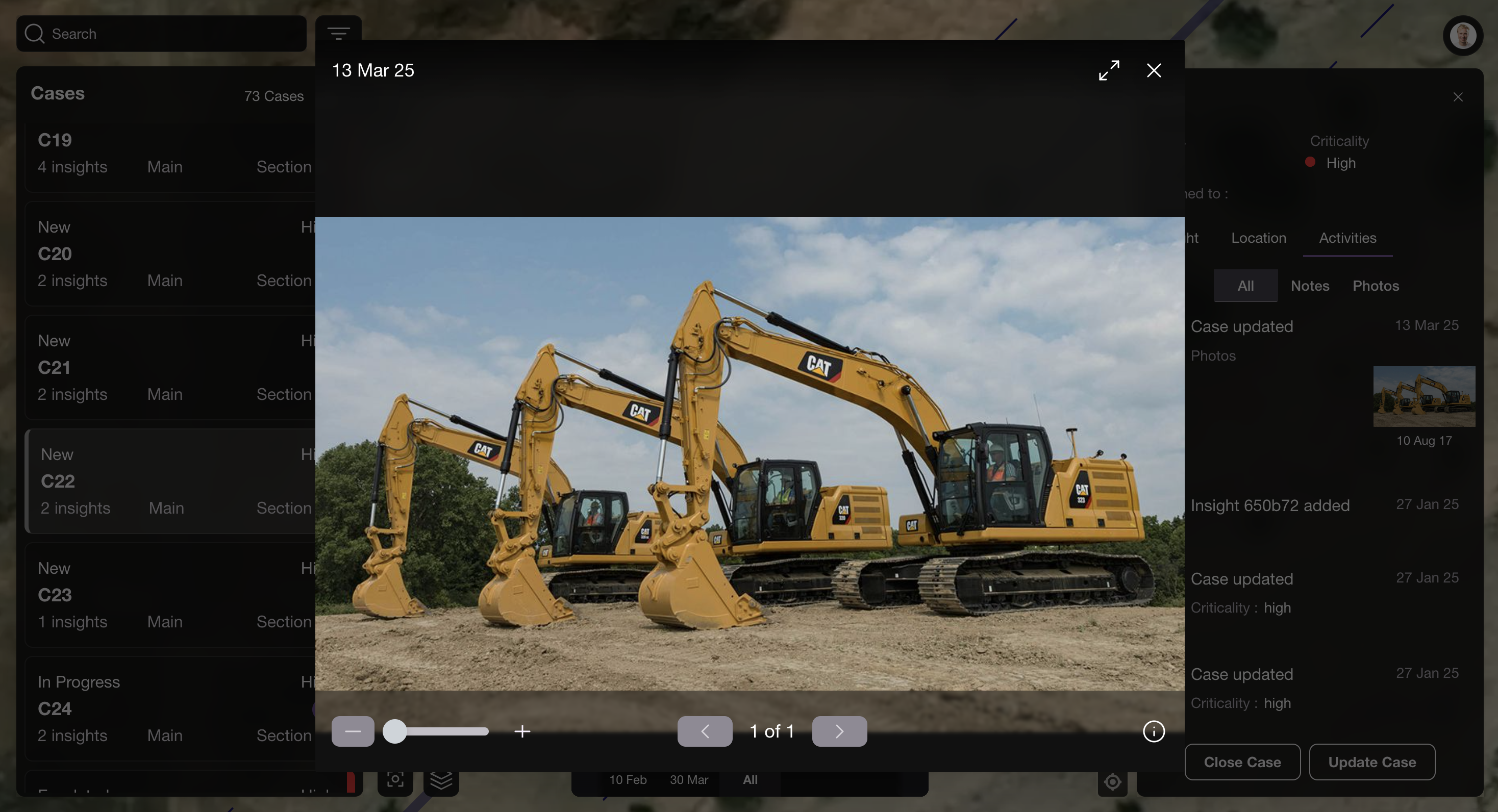
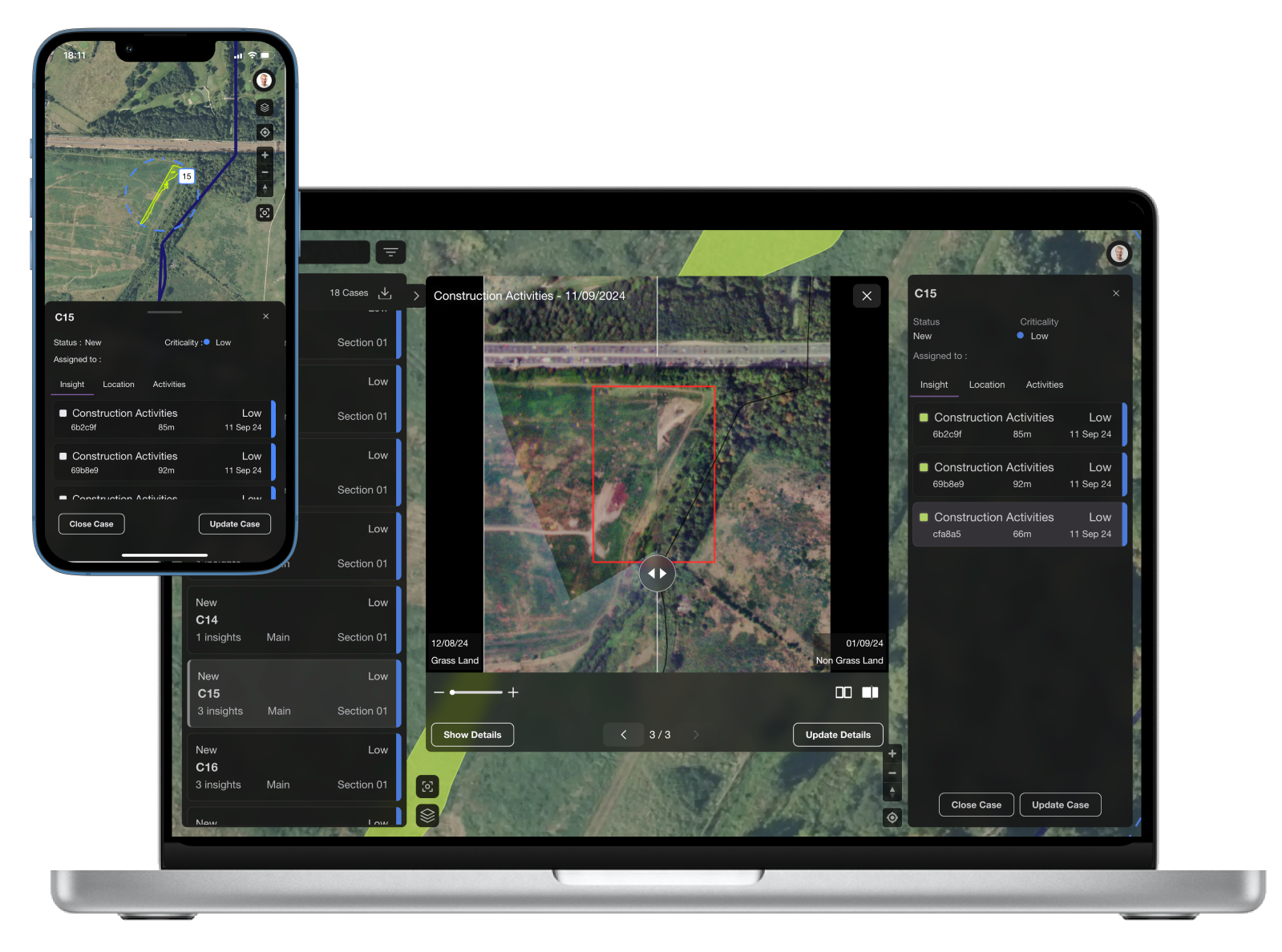
Manual Insight Creation: You can now report observations directly from the field or office within your inspection corridor. Add photos, notes, criticality levels, and change types directly to an insight for more detailed reporting. Once created, you can choose to link the insight to an existing Case or create a new one. This feature unlocks the ability to use SurfaceScout on both web and mobile for ground routine inspections—or even to upload helicopter images—allowing you to consolidate all relevant data in one place!
Manual Insight Creation - Desktop version
Manual Insight Creation - Mobile version
Enhancements
Photos that are in full view should no longer be cropped on Mobile
The case list scrolls beyond the navigation bar on Android, making it hard to select the last case in the list.
Bug fixing
The export popup menu now closes after selecting a file format on Android
Insight export is now properly working as expected when applying filters
The search field is now cleared after opening a case from the search result list
Refined dialog footer buttons (Show Details, Next/Previous, etc.) are now accessible on Android
V1.1.0
Export feature and time slider enhancement - Jan 30th, 2025
New features
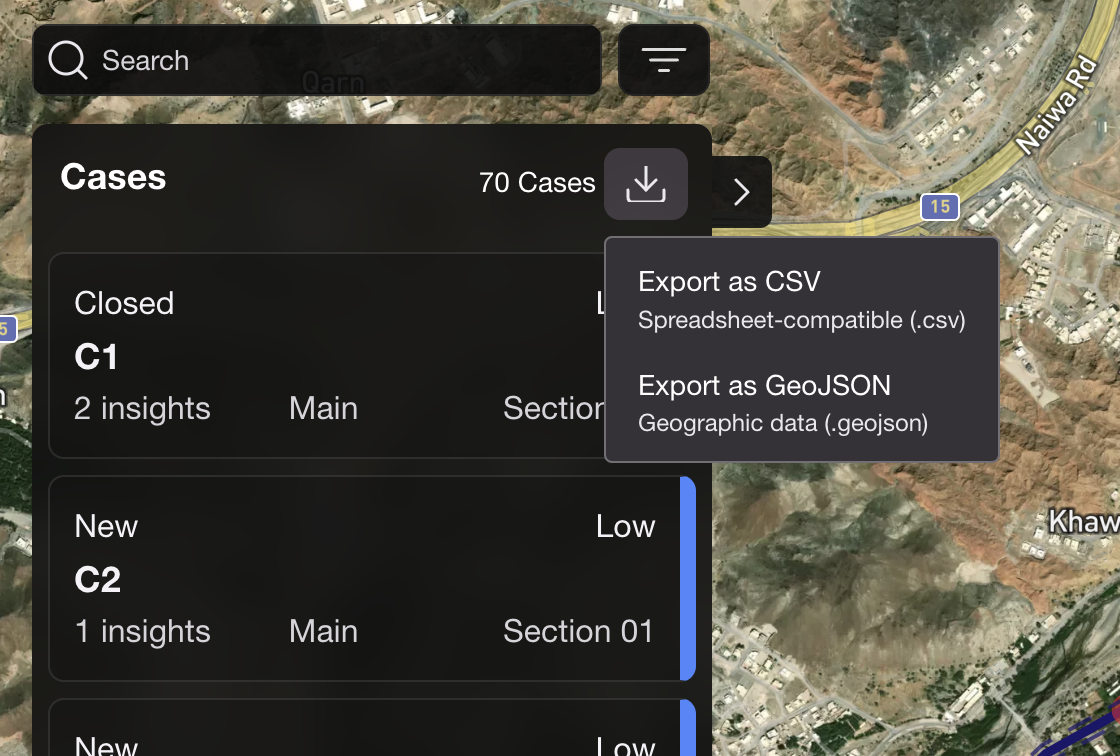
CSV and GeoJSON export capabilities for Insights

Enhancement
A new slider component is now available, allowing for easier navigation across multiple time steps and a seamless view of connected insights.
Added support for multiline string assets display
Bug fixing
Fixed digital keyboard hiding search results
Fixed map centering issues on mobile devices
Fixed Clear Search button functionality on mobile
Fixed Copy Lat/Long confirmation message display
Fixed assignee visibility in collapsed case list
Fixed inconsistent transparent overlay across different smartphones
Fixed insight color consistency on map and in Insights list
V1.0.0
SurfaceScout launch - Dec 18th, 2024 🚀

Last updated